
Power-Up Bands At Super Nintendo World: Complete Guide
Some of the links in this post are affiliate links. If you book or buy through them I may earn a small commission, at no extra cost to you. Read our full disclosure.
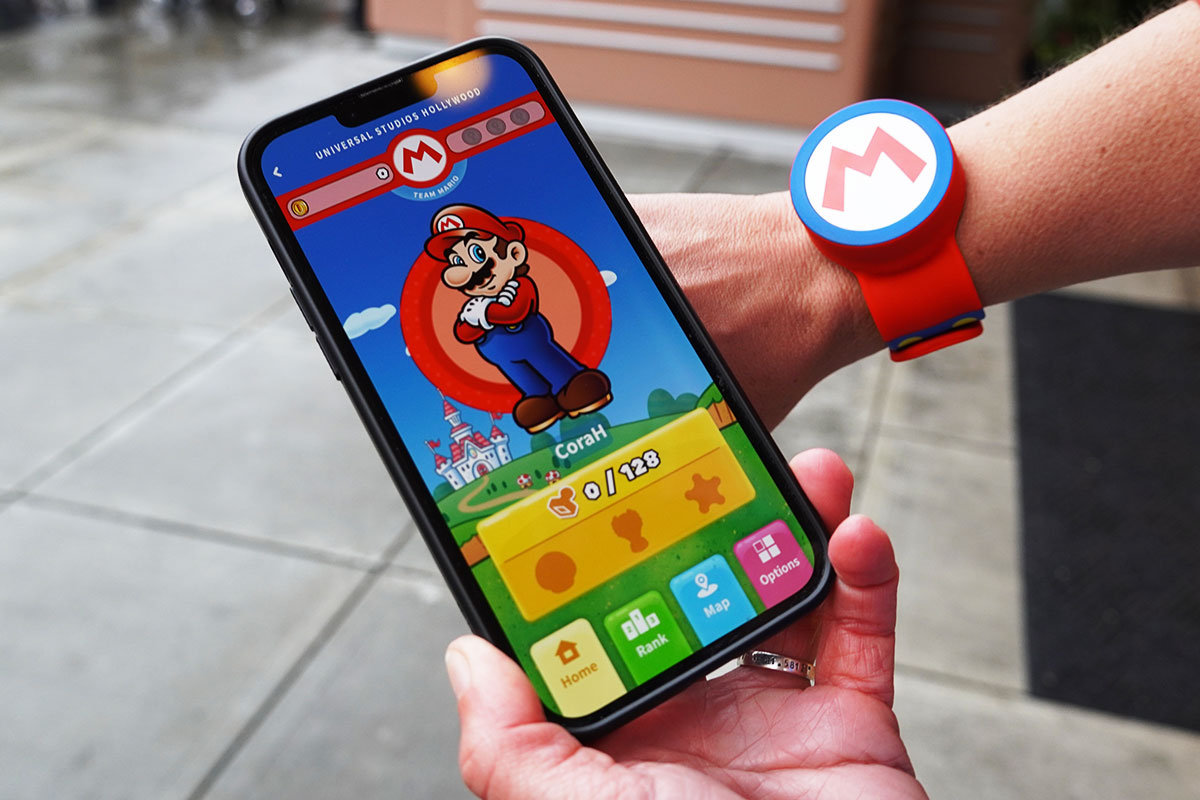
Power-Up Bands are RFID silicone slap bracelets that you can use to interact with different elements at Super Nintendo World.
The Power-Up Band connects to your Universal Studios mobile app, keeping track of keys, coins, stamps and other awards you collect.
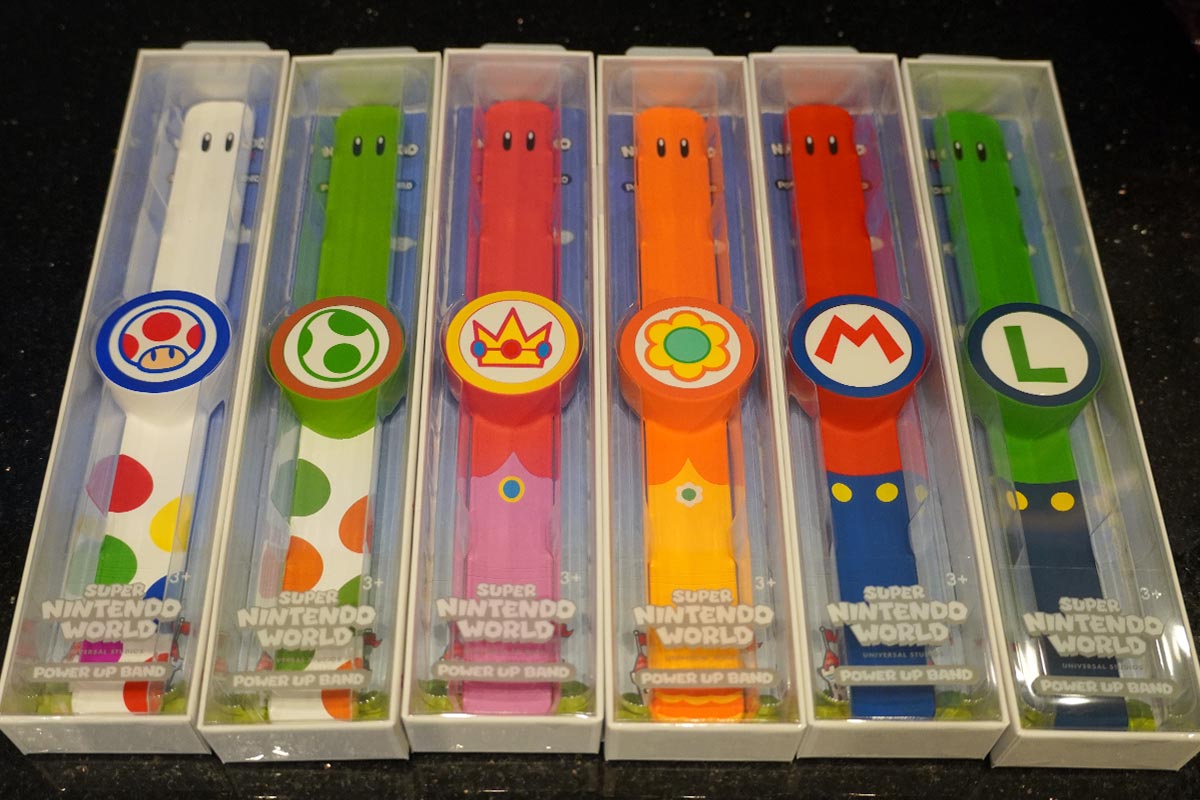
There are six different Power-Up Band designs available:
- Mario
- Luigi
- Princess Peach
- Princess Daisy
- Toad
- Yoshi
- Golden Power-Up Band (special release)
Power-Up Bands cost $42 plus tax; sadly, no discounts (inc annual pass discounts) apply.
What Do Power-Up Bands Do?
You don’t need a Power-Up Band to visit or enjoy Super Nintendo World. However, having a Power-Up Band can enhance your visit to this area of the theme park.
Here are the things you can do with a Power-Up Band both inside the theme park and back home.
Play Mini Games
There are four mini-games within Super Nintendo World, and each game allows you to earn a key. Once you’ve earned at least three of the four keys, you can face Bowser Jr in the final challenge.
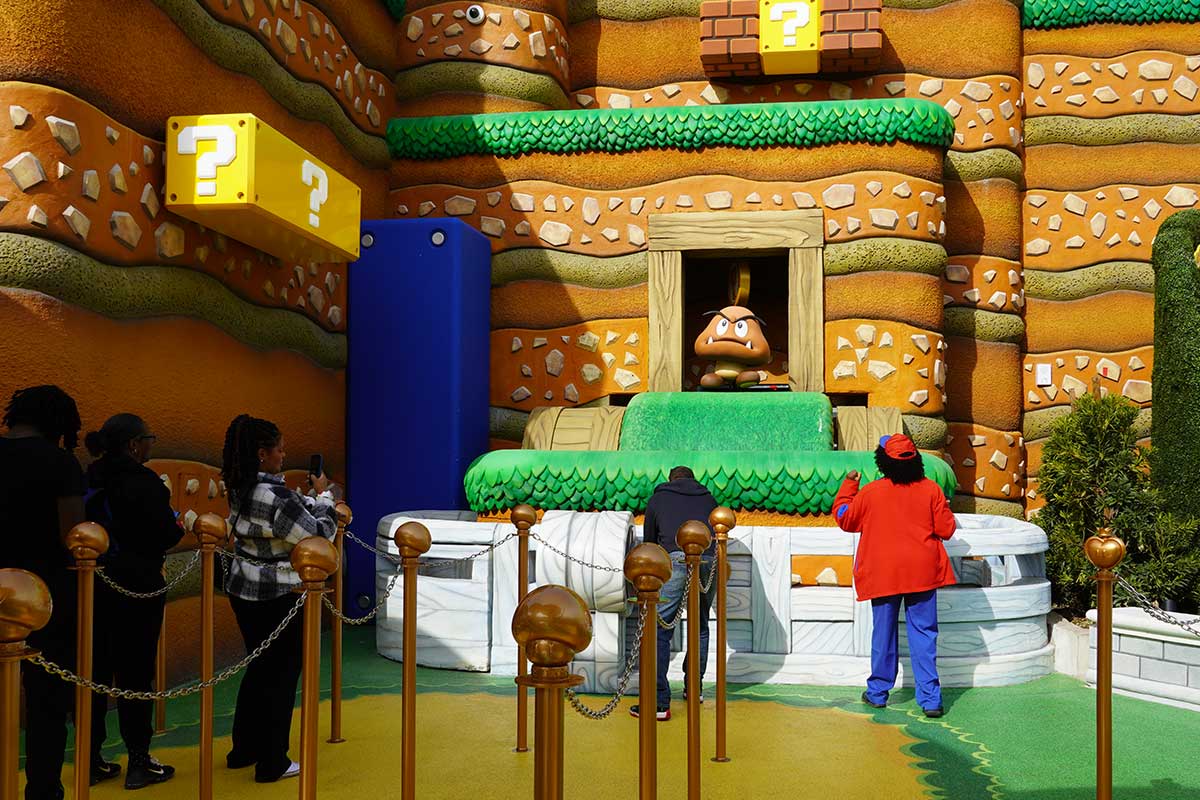
Universal staff are at each mini-game location to explain how to play and will give you hints and tips to help you win the key.
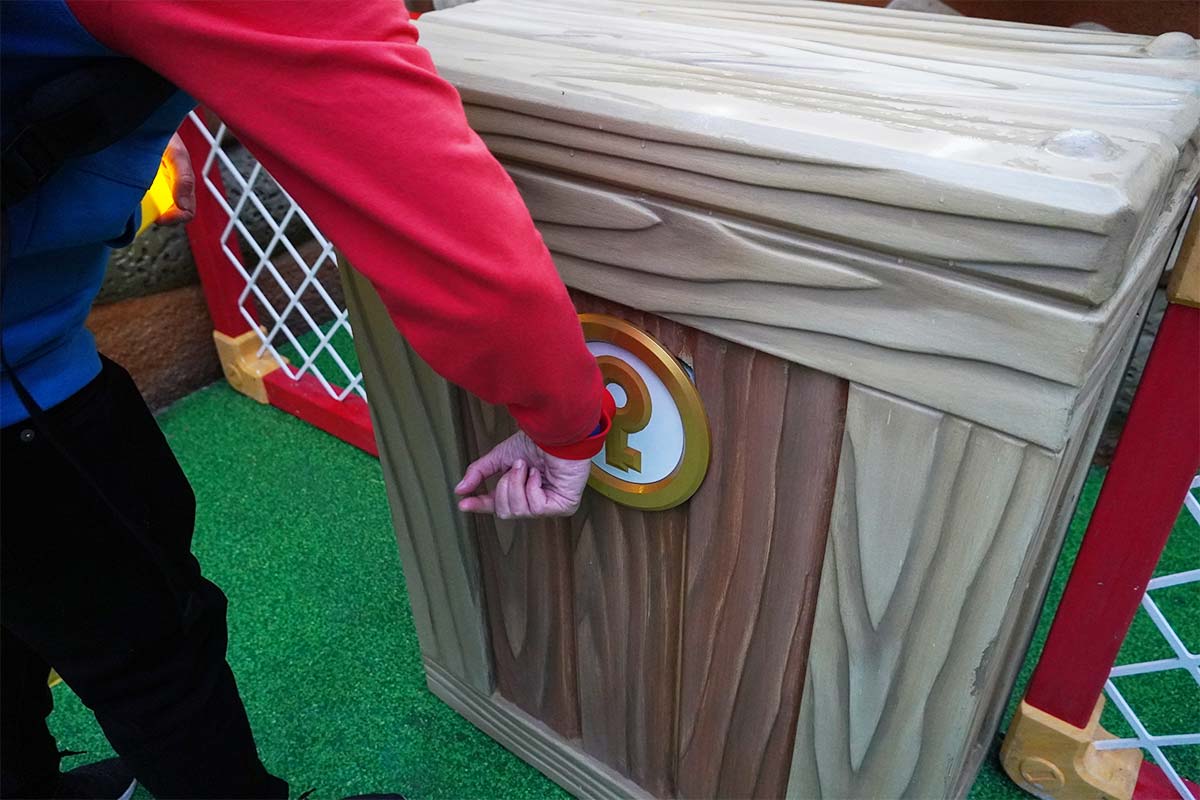
Earning a key by playing a mini-game is not guaranteed every time. But if you don’t earn the key, you can queue up and try again. Once you’ve earned at least three keys, you can face Bowser Jr. in the final game.
Earn Coins
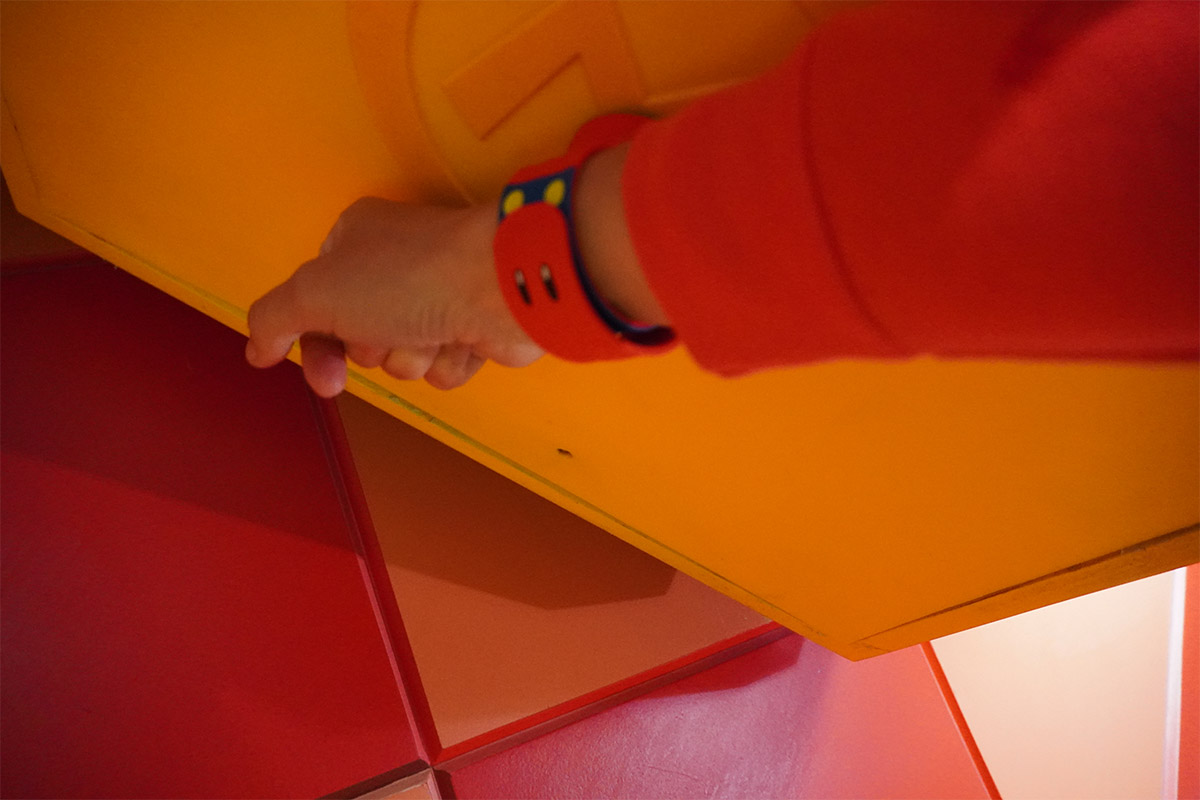
Like in Mario games, you can use your Power-Up band to earn coins within Super Nintendo World by hitting the ? and POW blocks.
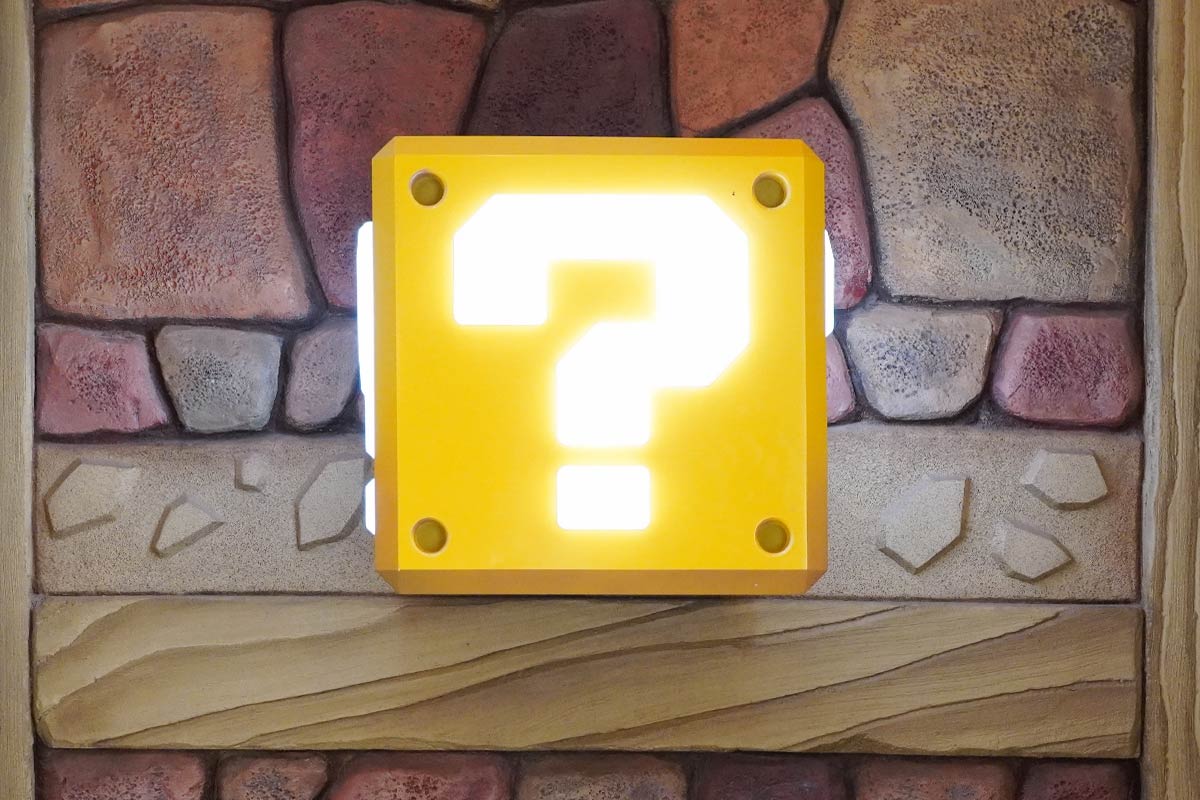
The blocks are easy to find within Super Nintendo World and are marked on the following:
- The Universal Studios mobile app
- The map you get when buying the Power-Up Band
When your band hits the block, it should make a sound to illustrate that you’ve collected the coins. However, if this doesn’t work, look under the block for the ‘M’ logo. You want your band to hit that ‘M’ as that’s the RFID reader that interacts with your band.
You can see how many coins you’ve collected each day on:
- The digital screens inside Super Nintendo World
- The Universal Studios mobile app
You can see this broken down per day, overall and as a team, based on the character of the band you have.
Collect Stamps
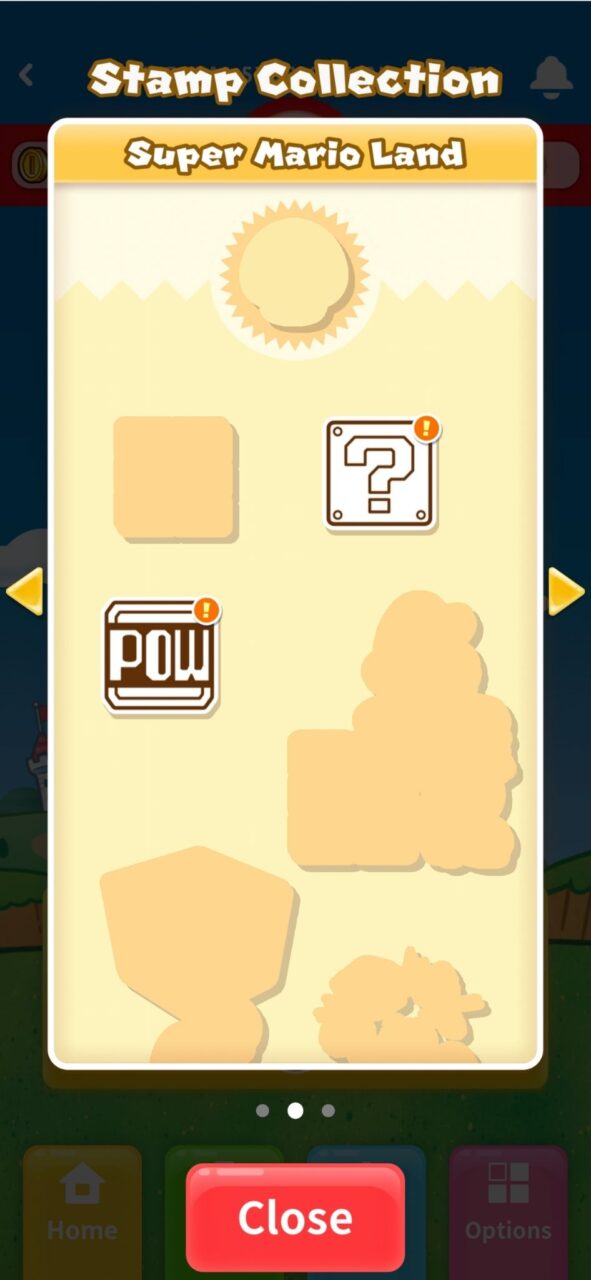
By exploring Super Nintendo World with your Power-Up Band you’re also able to collect stamps to commemorate your adventure.
There are three pages within the stamp book;
- Super Nintendo World
- Super Mario Land
- Mario Kart
Some examples of stamps I’ve earned include;
- Punching a POW Block
- Collecting a Fire Flower power-up on Mario Kart: Bowsers Challenge
- Dining at Toadstool Cafe
You can see all the stamps you’ve earned with your Power-Up Band on the Universal Studios mobile app.
Mario Kart: Bowsers Challenge Performance
You can also use your Power-Up Band to track your performance on Mario Kart: Bowsers Challenge.
To connect your Power-Up Band to your seat on Mario Kart simply tap the band on the steering wheel before the ride begins.

Doing this also allows you to collect any stamps associated with your performance in the game.
Again, you’ll be able to use both the digital screens in the park and the mobile app to compare your performance with others visiting the park that day.

Amiibo
Back home you can also use your Power-Up Band as an Amiibo with the Nintendo Switch.
To use a Power-Up Band as Amiibo, tap the circular character icon in the centre of the band to the NFC reader on your console.
Linking a Power-Up Band to the Universal Studios App
You don’t have to link your Power-Up Band to the Universal Studios mobile application for the band to work. However, doing so has two benefits:
- You can digitally customise your Power-Up Band account
- You can see your coins, stamps & keys on the go.
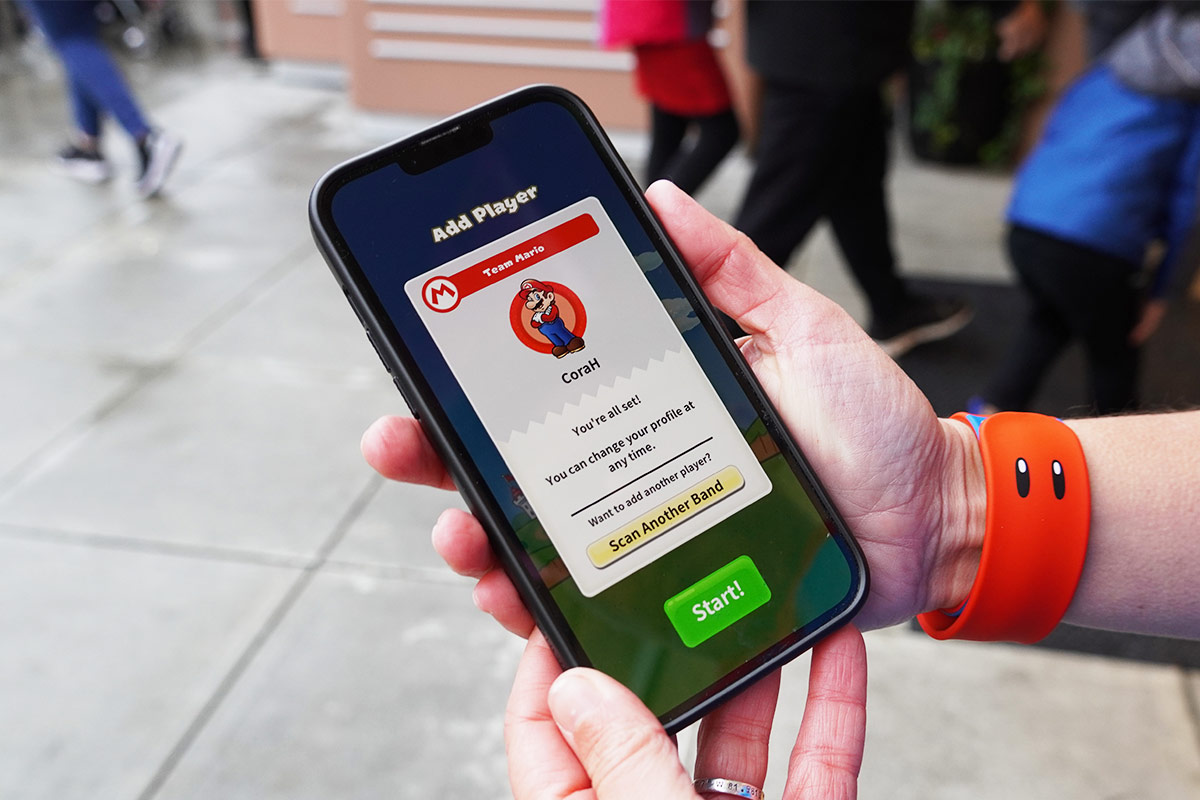
To connect your Power-Up Band to your Universal Studios mobile app, open the app and navigate to the Super Nintendo World area.
The app will then ask you to “Scan Band”. Take your phone’s camera and scan the QR code on the back of your Power-Up Band to link the two.
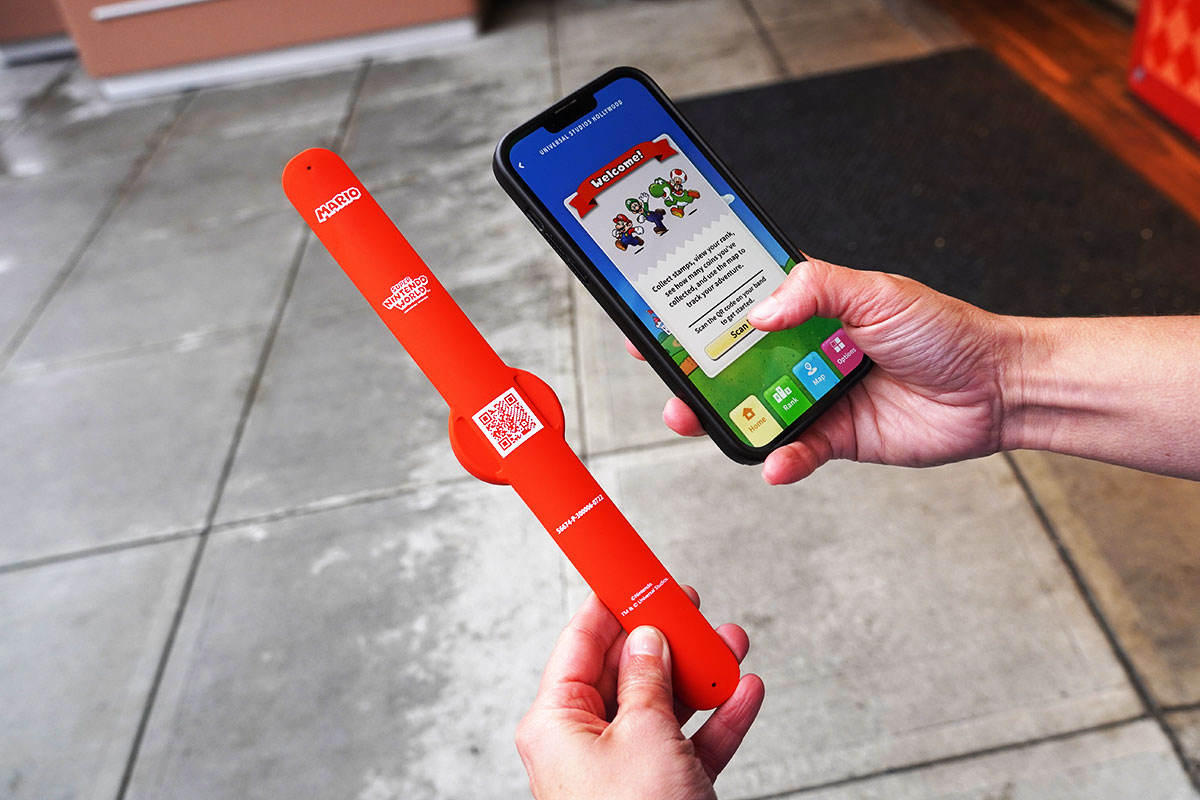
Pro Tip: You can easily add and remove multiple Power-Up Bands to the same Universal Studios account – which is ideal if you have kids.
Charging Power-Up Bands
Power-Up Bands do not need charging. Instead they use RFID technology similar to that found inside interactive wands from The Wizarding World of Harry Potter.
Do Power-up Bands Work at Any Super Nintendo World?
Regardless of where you bought your Power-Up Band, the band will work at any Super Nintendo World.
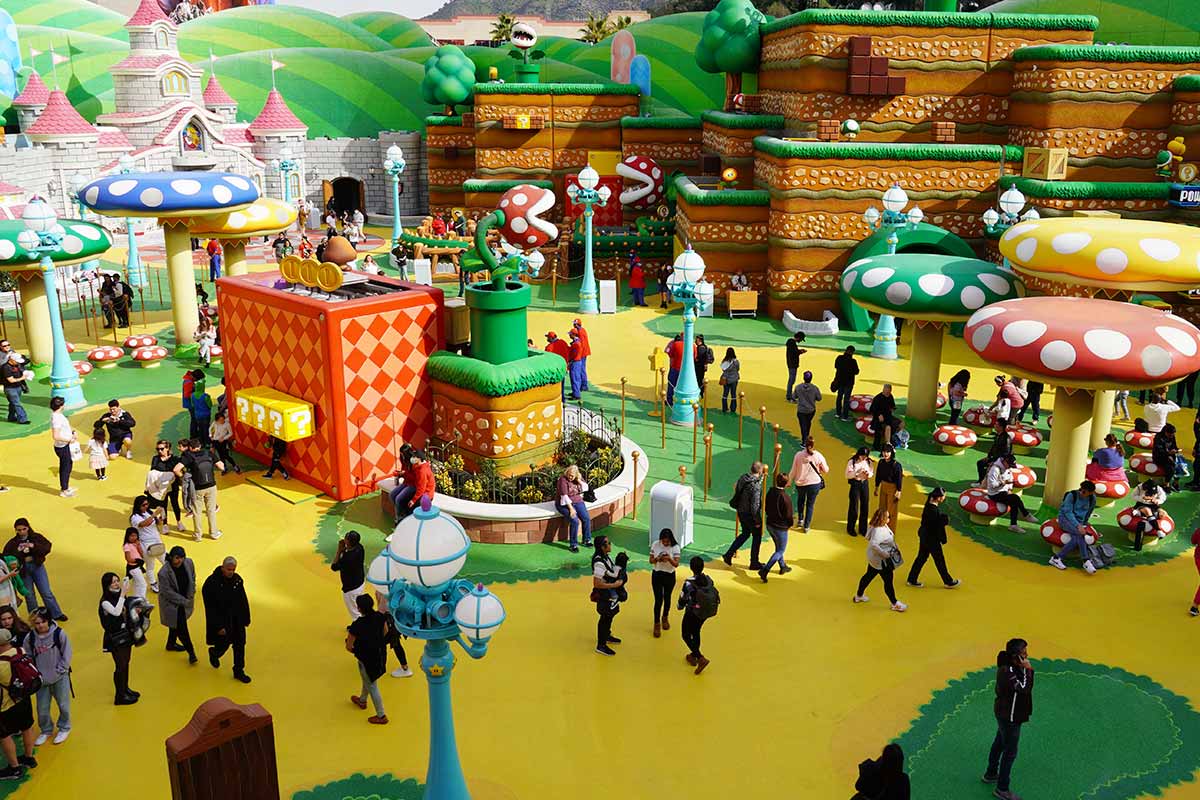
This means a Power-Up Band bought at Universal Studios Japan will work at both Universal Hollywood and Universal Orlando. While a Power-Up Band bought at Universal Studios Hollywood will work at Universal Orlando and Universal Japan.
